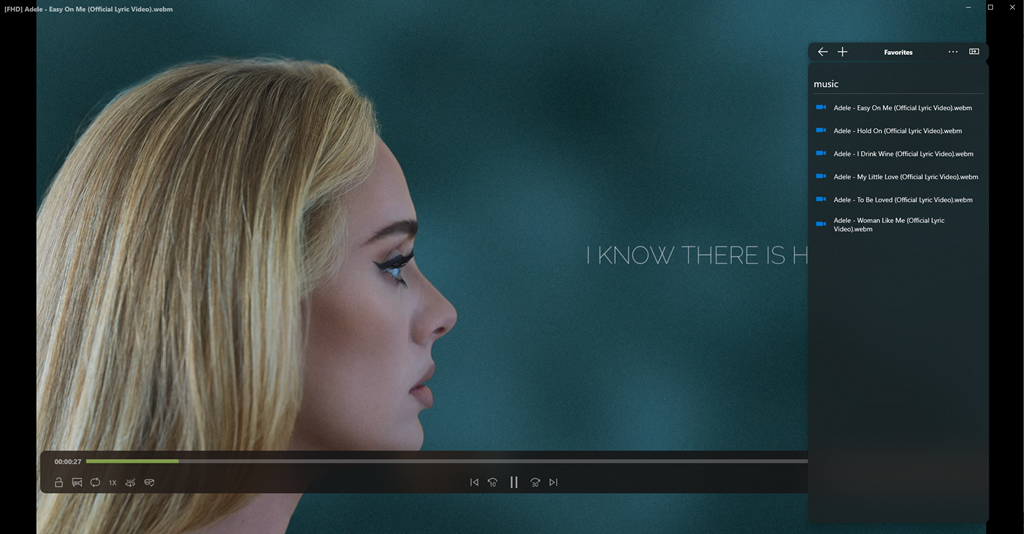
This tutorial guide will walk you through the steps to setup Scorpio Media Server Feature.
Steps - Download Scorpio Media Server App, click link to download -> Link - Download Scorpio Player From Microsoft Store - Setup Scorpio Media Server - Start Stream Your Media Content To your Scorpio Player
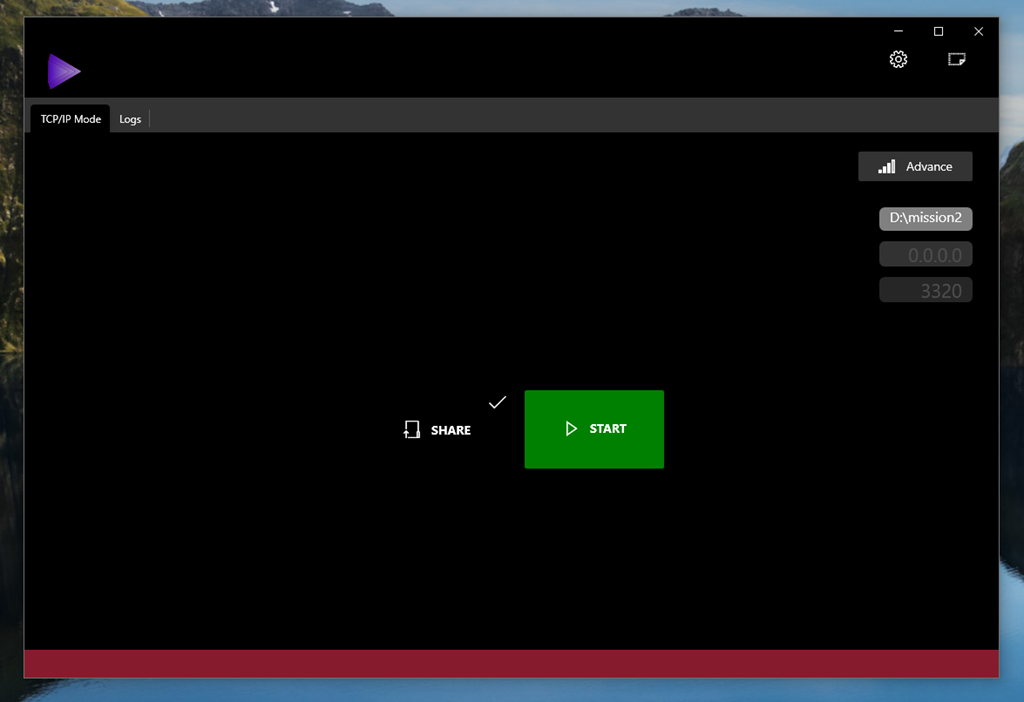
After install Scorpio Media Server App for Windows you should see this
In order to use Scorpio Media Server you need to know what your PC IP Address is for example 192.168.1.110, 192.168.0.110, or you can listen to every network use 0.0.0.0, and listen to port default is 3320, you are free to change it if you want, then select root folder to share your media content.
Click Start green button, if you see listening on port 192.168.20.16:3320, you are good to go!
Like this:
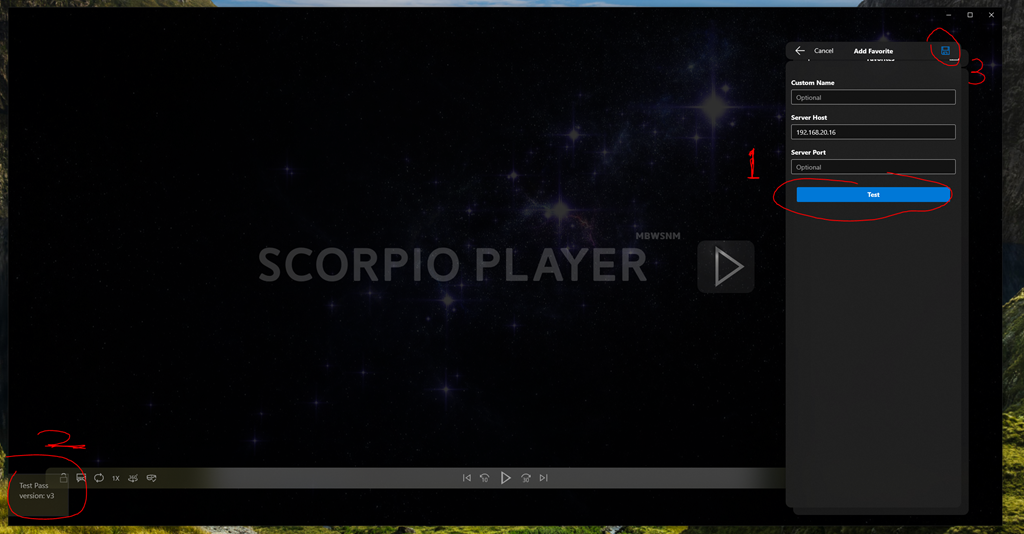
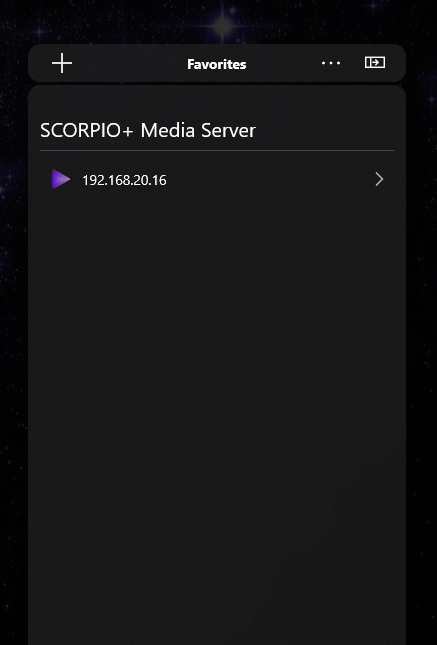
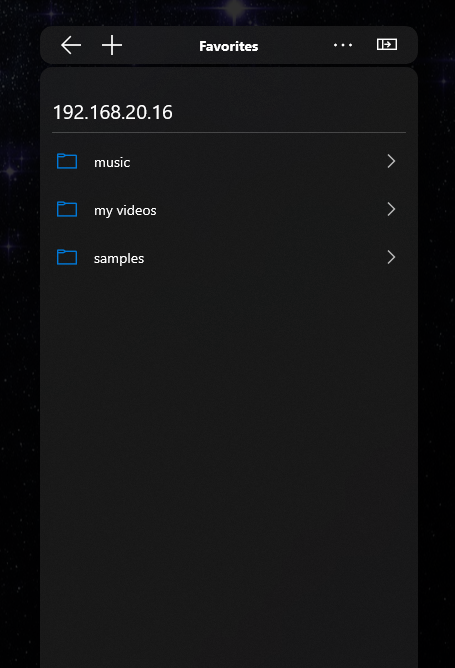
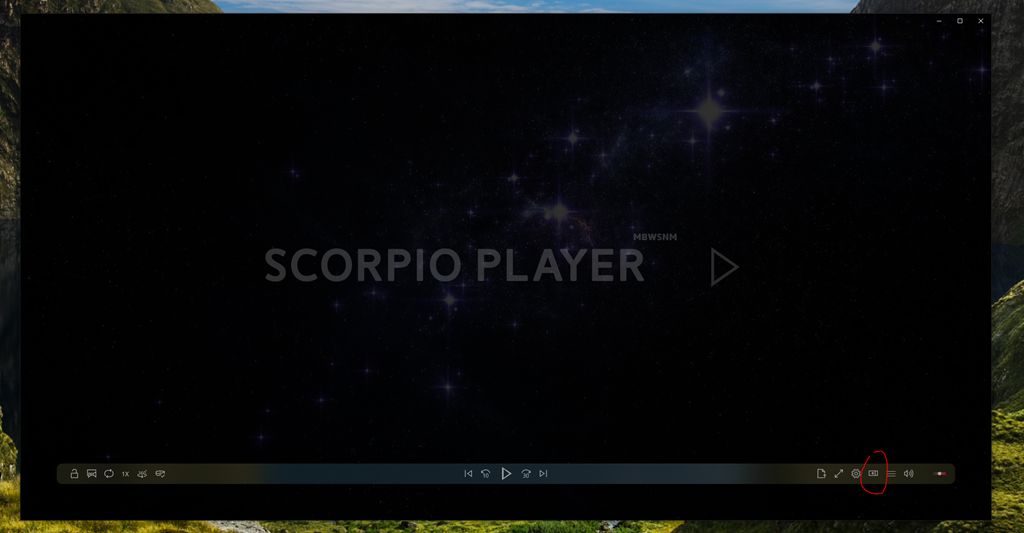
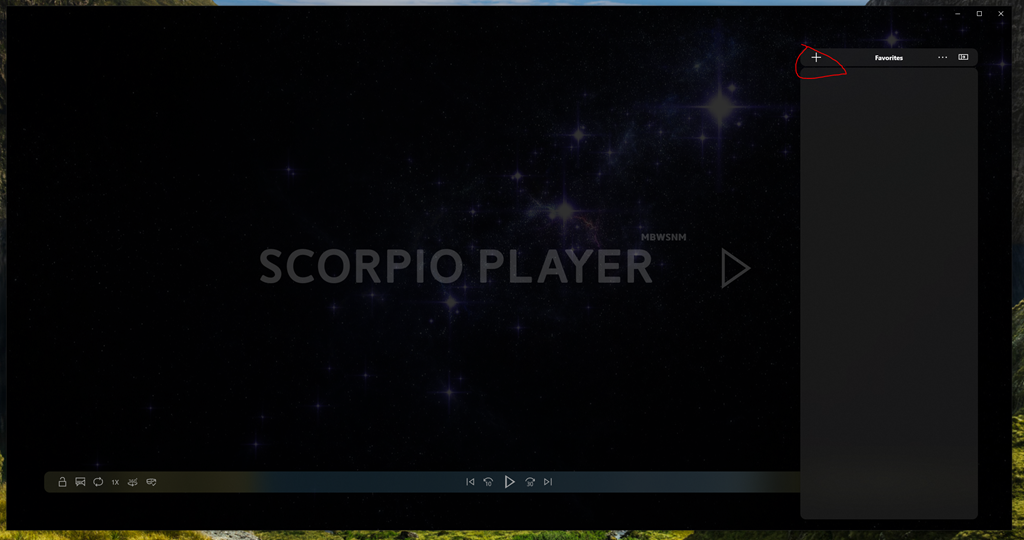
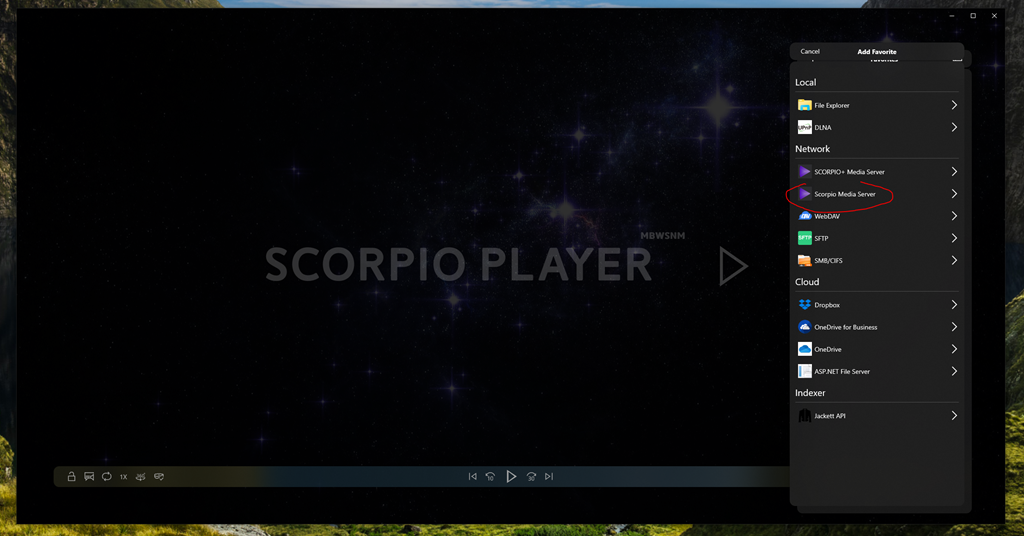
Start Scorpio Player
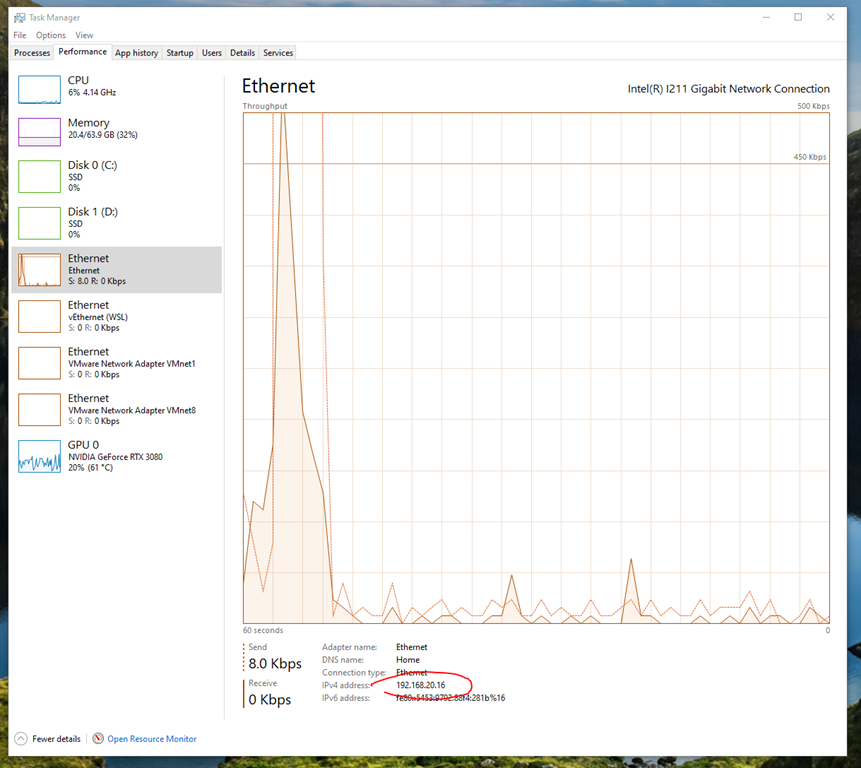
Find out your computer IP address using Task Manager: